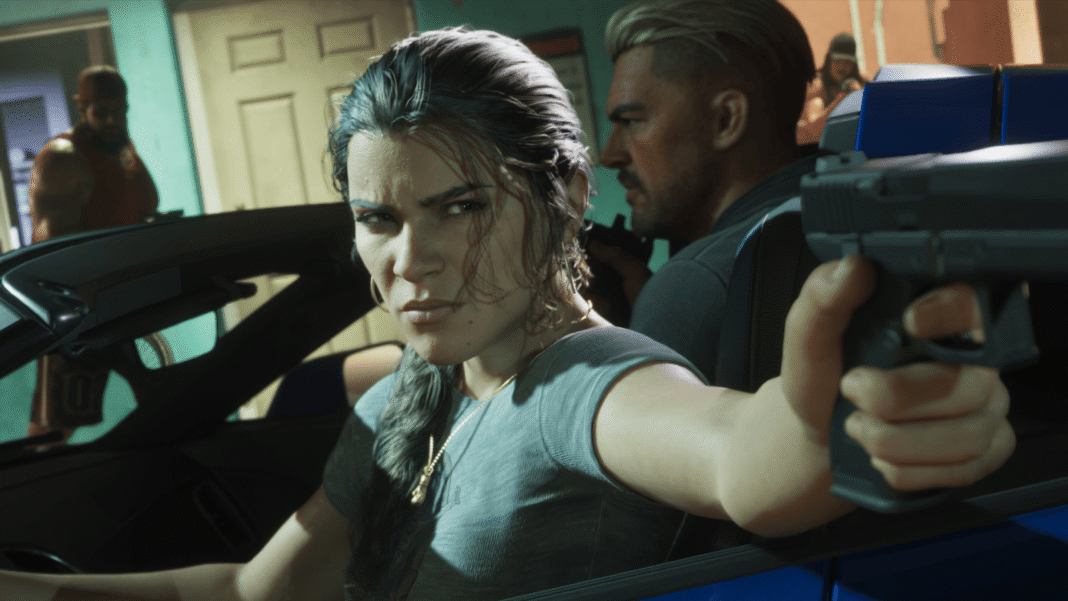
GTA 6 is full of little features and controls that the game doesn’t always take the time to present. Here is a guide to discover all these tips and fully enjoy Vice City.
GTA 6 offers a lot of possibilities, but some are particularly easy to miss. Between controller shortcuts, interactions with passers-by, steering wheel controls, brawling and small hidden features, Rockstar doesn’t always take the time to explain everything. Result: you can spend dozens of hours in the game without knowing certain tips that are very practical.
GTA 6 cheats you wish you knew sooner
This guide brings together the commands, shortcuts and features that GTA 6 does not necessarily present during the first hours of play. The objective is simple: to help you better master the possibilities offered by the game, without having to discover each manipulation by chance, or when it is already too late.
Whether you’re a beginner or already accustomed to roaming the streets of Vice City, here you’ll find hidden controls for moving, driving, fighting, and interacting with the open world. Orders are listed for PS5 and Xbox Series X|S.

In a vehicle 🚗
While driving, GTA 6 offers many more possibilities than you might think. Here are the commands you need to know to control your vehicle and take advantage of all the little interactions available while you’re on the move.
| Function | Handling |
|---|---|
| Roll down the window, open the roof, drop anchor… | Hold the button ← in a vehicle to open the Radio menu, then ↑ with the left stick to access Vehicle Functions. |
| Change the front lights | Round/B |
| Ducking in car to hide from police | Maintain Round/B. |
| Skip radio stations while driving | Press ↑ on the directional cross |
| Getting into the back seat | Hold the key Triangle/Y pressed while you are standing near the door. |
| Use turn signals | ← or → with the directional cross |
| Look behind you | Hold R3/RS. |
| Activate the flashing lights of a police vehicle | Use the left stick to activate and cycle through the different sirens. |
| Car driving | Hold ↓press Option and choose your destination. |
| Speed limiter | Hold R2 halfway (on PS5), to drive at the speed limit. |
| Reduce damage | Go to Settings > Game, scroll down to the bottom of the list and enable “Vehicle Damage Reduced”. |
| Target passers-by | Hold ↑ on the directional cross |
| Insulting motorists | In the car, double click on the right stick R3/RS loan of a vehicle |
| Give the finger | Hold R1/RB. |
| Keep the engine running | Press twice Triangle/Y when exiting the vehicle. |
| Ask your partner to follow you in the car | In your vehicle, ask your partner to drive by holding → on the D-pad to open the partner menu, then select the option to ask them to drive. Then get into another vehicle: your partner will follow you behind the wheel of their own car. |
| Push or straighten the car | In front of your vehicle, click on the left stick L3/LS then press Square/X |
| Kick while rolling | Square/X by car for a door knock, on a motorbike for a kick. |
| Make a front wheel on a motorcycle | ↓ with the left stick while accelerating. ↑ with the left stick to do a wheelie while braking. |
| Putting a jet ski back in the water | Hold R1/RB and push. |
| Driving without showing GPS on the mini-map | In settings, turn off the mini map and turn on the compass or GPS voice directions. |
On foot 🚶
On foot, several controls allow you to move around and interact with the characters or elements of the scenery. Here are the steps you need to know to control the movements of Jason and Lucia.
| Function | Handling |
|---|---|
| Sit, lean against a railing or lean against a wall (for cool photos) | Hold down Round/B against a railing, a wall, a bench or at the edge of a platform. |
| Watch in first person | Hold L2/LT and press R3/RS. You can look around and zoom in with R2/RTbut not move. |
| Turn your cap | L1/LB and directional cross. |
| Give the finger | L2/LT to target a person then R1/RB. |
| Change a hand item | Press ← on the D-pad while carrying an item. |
| Slide on the hood of a car | Sprint, then press the button cross/A near a car hood. |
| Slipping off a ladder | Hold the left stick L3/LS. |
| Scan cars | Hold ↑ on the directional pad to open the Waink application, then R1/RB to analyze a vehicle. |
| Quickly place a marker on the map | Hold ↓ on the D-pad to place a marker. |
| Take out the flashlight | Open the Weapon Wheel L1/LB and select it from the binoculars location by pressing R2/RT. |
| Enable Focus Mode | Press L3 + R3/LS + RS. |
| See the buildings you can enter | On the map, buildings are shown in two shades of blue. Those in dark blue are the accessible buildings. Activate Focus mode (L3 + R3/LS + RS) to identify open doors. |
In battle 🔫
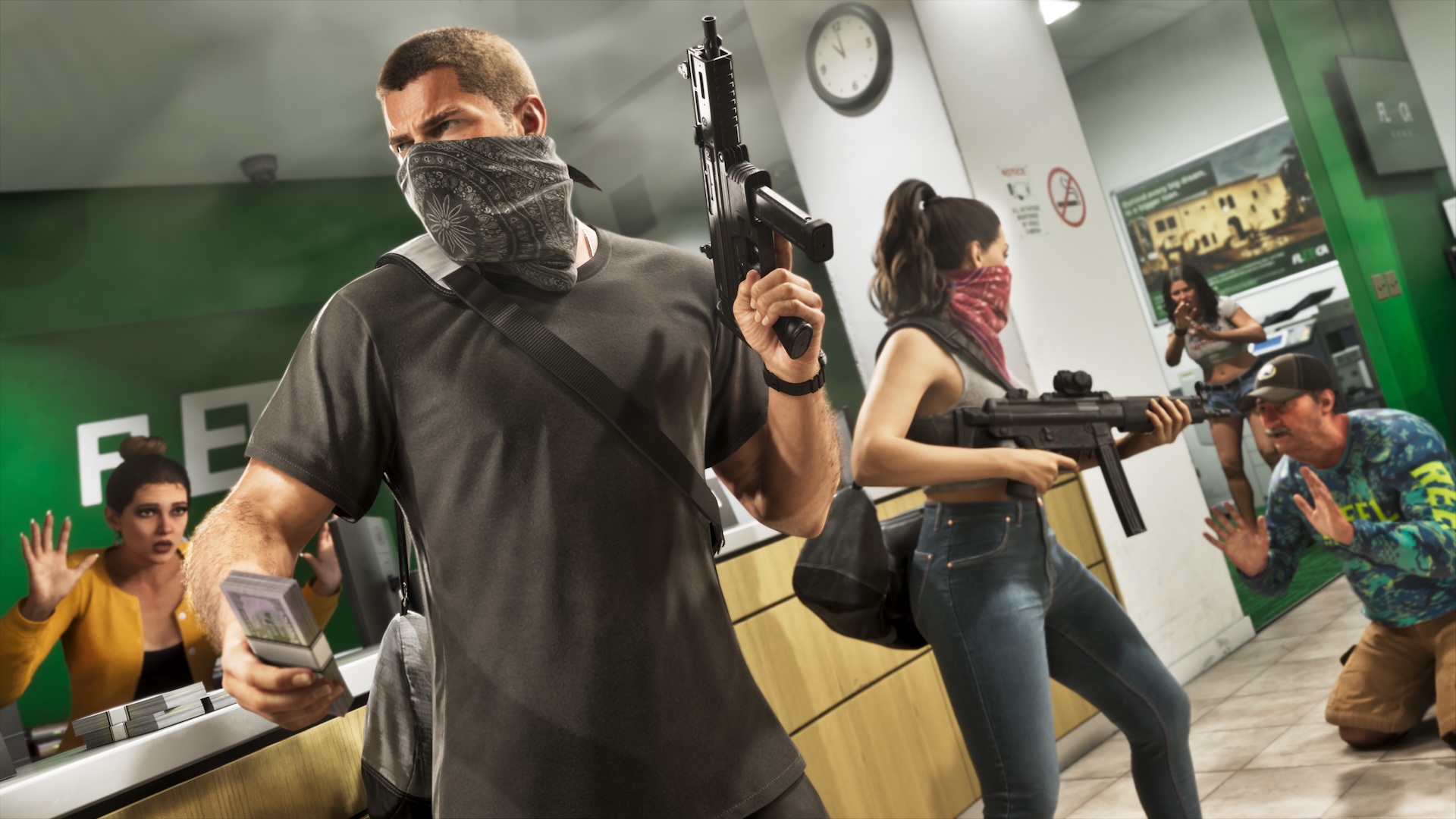
Confrontations are an integral part of GTA 6. Between aiming, shooting, weapon changes and defensive movements, here are the commands you need to know to gain the advantage during shootouts.
| Function | Handling |
|---|---|
| Change aim | By aiming: Triangle/Y to switch between your equipped long weapons. |
| Change shoulder | By aiming: ← on the directional cross. |
| Throw an explosive | R1/RB if the explosive is equipped. |
| Shooting a One-Handed Pistol | PULL without maintaining L2/LT to aim. |
| Using the scope or viewfinder | R3/RS |
| Strangulation | Enter with R2/RThold Square/Xthen press repeatedly Square/X. |
| Roll (dodge) | Hold aim, move the left stick to one side and press the dodge/jump button. |
| Parrying a melee attack | Press Cross/A just before receiving a blow, then on Square/X to counterattack. |
| Whistle to get attention | Target a guard or enemy with L2/LTthen press Triangle/Y when the indication appears. |
Miscellaneous 😎
Some commands do not fit into any category, but can be very useful on a daily basis. Here are some additional manipulations to discover other possibilities of GTA 6 and fully enjoy the game.
| Function | Handling |
|---|---|
| Go to a location seen on Snapmatic | Open the Snapmatic app on your phone, tap Square/Xand choose Set destination. |
| Speed up a taxi ride | Interact with the driver, then hold Triangle/Y to pay an extra 100 dollars and arrive directly at your destination. |
| Scan a WAiNK QR code | You may come across QR Codes in magazines or on billboards. Open your phone with ↑open the WaiNK app and scan them. You will be able to unlock outfits, cosmetics or new missions. |
| Quickly decline phone calls | Press Round/B. |
| Throw away a cigarette | While smoking, maintain L2/LT press, then press R2/RT to throw it (if possible not at people). |
| Puncture vehicle tires | Equip a knife, crouch near a car tire and press Square/X. |
| Give your partner a loot bag | Hold → Then Round/B close to your partner. |
| Self training at the gym | Go to the gym with both characters, do the workouts with one of them so that the other does them automatically. |
| Listen to the radio on foot | Buy headphones or headphones in stores (Zeke’s Gadgets in Hamlet for example), maintain L1/LB to select headphones and listen to radio stations and podcasts. |
| Study an animal | Approach an animal and press R1/RB. You will then find information about it in the statistics menu. |
| Hold your partner’s hand | Hold R2/RT walking next to him or her. |
| Pay a compliment to your partner | Press Cross/A when the interaction appears. |
| Dance with more style | Turn on the radio, hold R2/RT while you dance, then press Square/X. |
All the tech news at a glance
Add Numerama to your home screen and stay connected to the future!