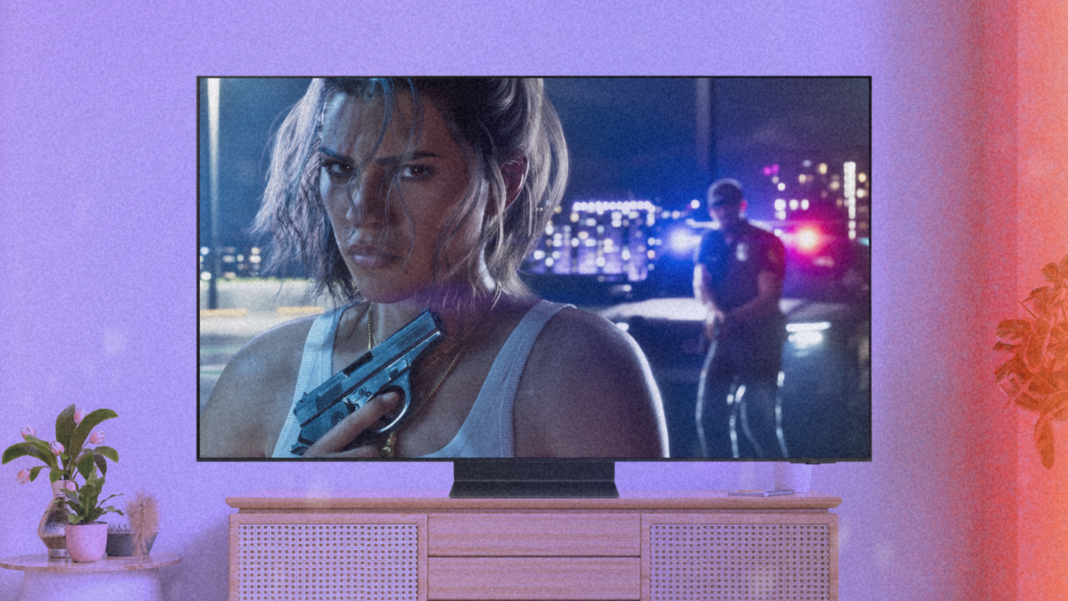
Confirmed at 30 frames per second on console, GTA 6 worries owners of OLED televisions. The high responsiveness of their screen makes jerks more visible than on an LCD. A very real phenomenon, but the discomfort varies greatly from one player to another.
GTA 6 arrives in two days, and one thing is certain: on console, the game will aim for 30 frames per second, Rockstar confirmed on November 10 in a blog post, PS5 Pro included. The latter gains in sharpness, with PSSR upscaling and ray tracing shadows, but not in fluidity. The company explained that it wanted to preserve “ the density and visual fidelity of all of its environments and its inhabitants “.
In addition to the fears raised by this announcement, another, slightly more specific concern is circulating among OLED TV owners: will the game appear more choppy?
There are many debates on Reddit. An Internet user, equipped with an LG G5, LG’s high-end OLED model released in 2025, chose to laugh about it. In a post published in mid-November, he placed a box of GTA V on PS3 in front of your television, for “ test » by itself this 30 fps that many judge “ unplayable » on OLED.
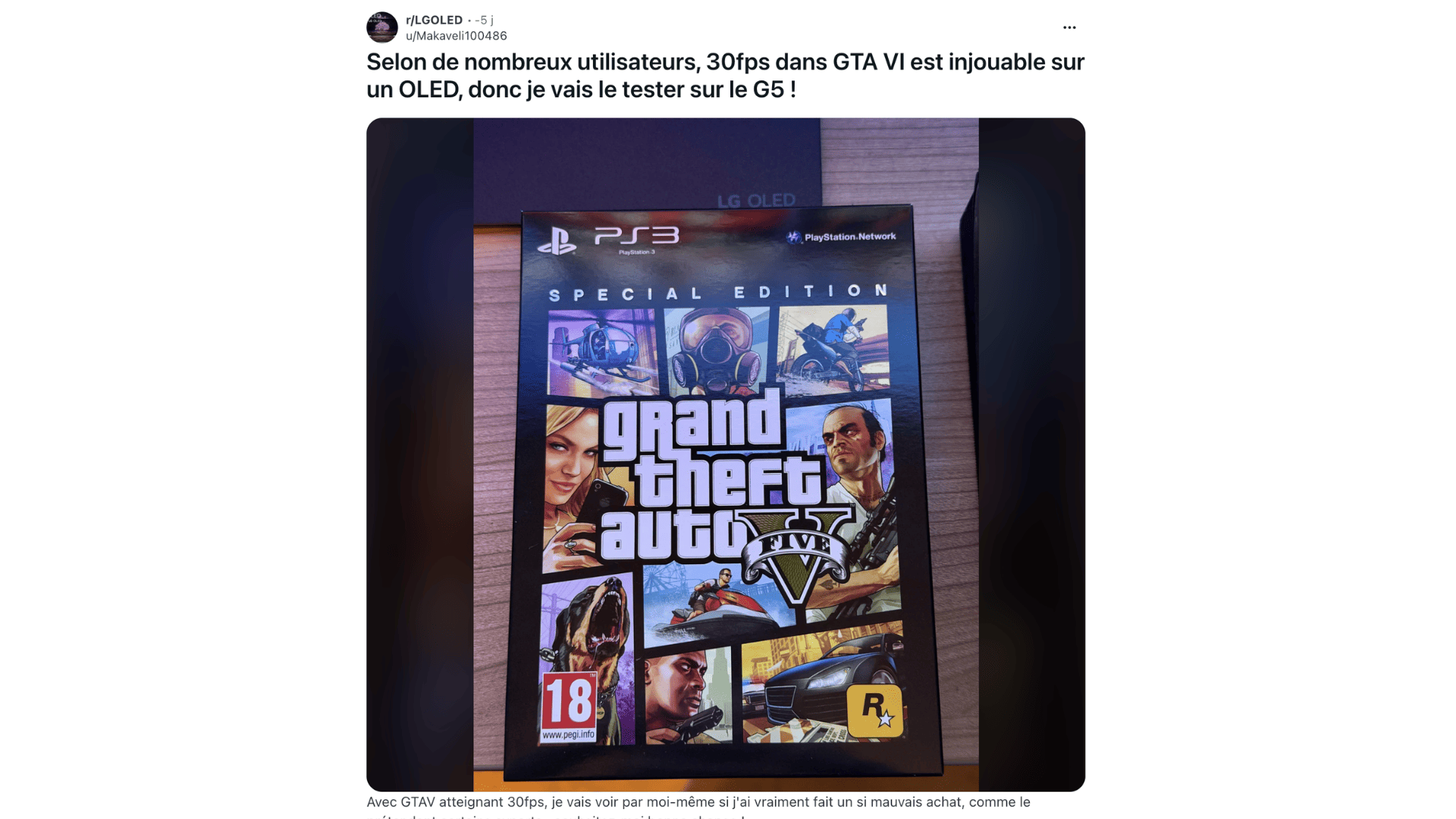
Because yes, GTA V was already running at 30 frames per second on PS3 and PS4, just like Red Dead Redemption 2 upon its release on console. Millions of players have put up with it.
Except that at the time, OLED was almost absent from trade shows. In 2013, the year of release of GTA Vbarely 4,500 OLED televisions had been sold worldwide, according to DisplaySearch.
Why is this more visible on OLED?
Let’s make it clear from the outset: OLED remains one of the best technologies for gaming. Each pixel produces its own light and can turn off completely, which offers very deep blacks and striking HDR, enough to enhance the neon nights of Vice City. Recent models feature low latency in gaming mode and near-instant response time, making fast-paced games razor-sharp. But it is precisely this reactivity that turns against them.
At 30 fps, each frame remains displayed for approximately 33.3 milliseconds before being replaced. The pixels of an OLED screen change state almost instantly. We therefore go from one image to another suddenly, without transition, and the movement appears choppy: this is what we call stutter, or saccade.
LCD televisions (called “LED” in stores), which are slower, leave a slight trail between two images, which partly masks these jolts. All modern TVs have a bit of stuttering at low frame rates, but the more responsive a screen is, the more noticeable it is, and OLEDs are the first to be affected. The higher the frame rate, the more they become attenuated: at 60 fps, they become much more discreet. Their perception also varies a lot from one person to another.
The effect stands out especially in panoramic shots and when the camera follows a car, which is a good part of what we do in GTA. It should not be confused with a slow game: jerks exist even when the images arrive perfectly on time.

Real embarrassment or Reddit effect?
Below the publication, opinions are divided. One Internet user estimates that 99% of people who judge 30 fps to be bad on OLED are only repeating what they read on Reddit. Another, who has just purchased an LG C6, admits to being “ nervous “. Conversely, a player claims to have tested GTA V at 30 fps on this same model, with a PS5 Pro, without noticing any jerks.
Several participants also say they ended up getting used to it. One explains that the jerks first made him regret his purchase, before making him forget about it. Another assures that ten minutes is enough, especially if you have just left a game at 60 fps. “ Console gamers don’t really have a choice anyway. », he adds. But for someone used to 120 fps, the return to 30 remains “ diabolical “.
The experience also varies depending on the games, according to the testimonies. An Internet user says he found Red Dead Redemption 2 very enjoyable at 30 fps, but had to give up Dishonored 2 the result seemed so uncomfortable to him. Another says he prefers to enable motion smoothing on his LG TV, even if it means putting up with additional artifacts and latency.
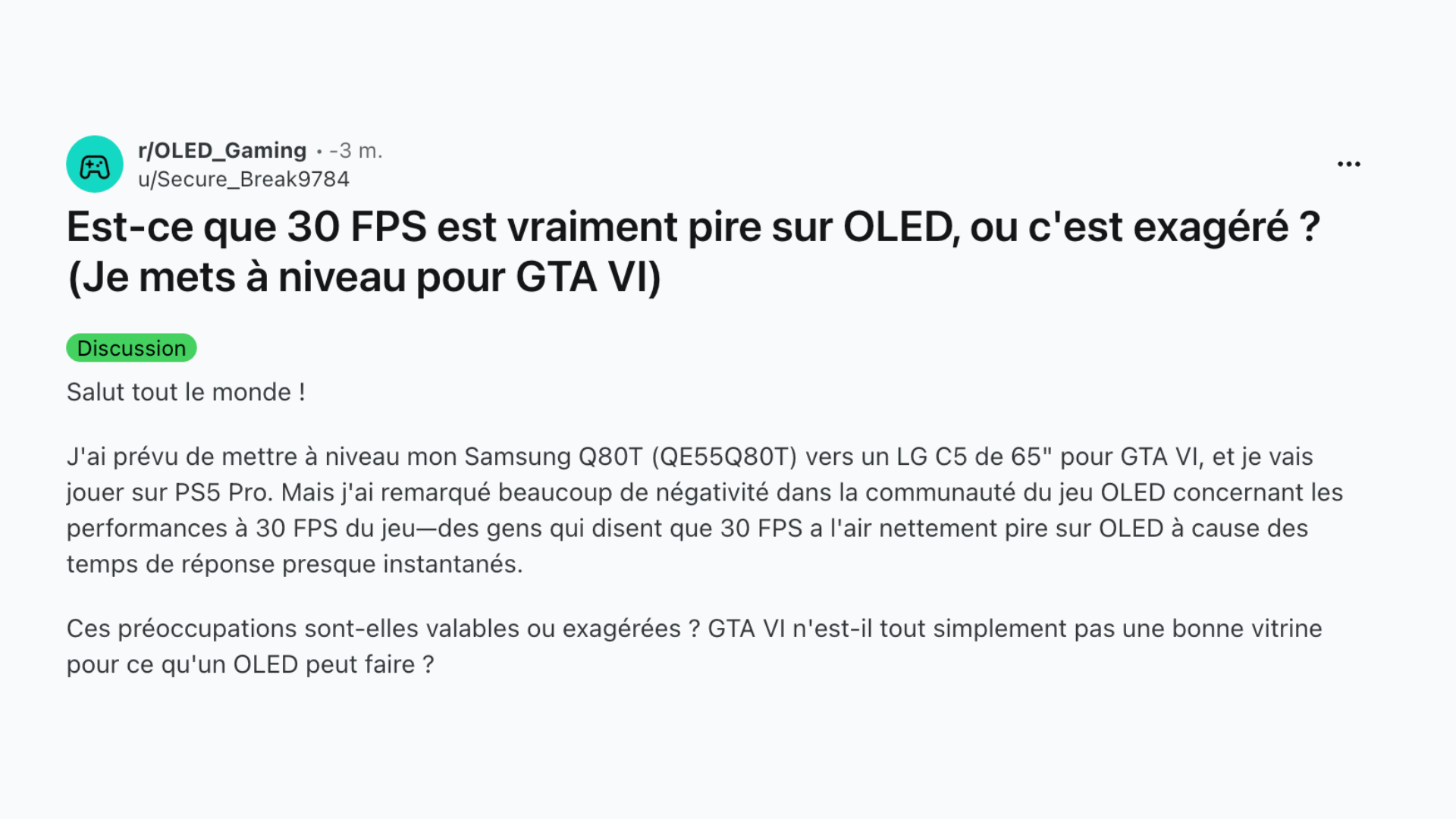
The phenomenon is therefore documented, but the discomfort it causes also depends on each person’s sensitivity and habits. Going from 60 or 120 fps to 30 can make stutters more noticeable, without necessarily ruining the experience. As one player points out, we can also notice them and deal with them very well.
How to limit breakage
There is no miracle setting, and we must distinguish two problems: jerks on the one hand, latency on the other.
- Leave motion blur on. Many players cut it out of reflex. On OLED and at 30 fps, it does help: Blur Busters recommends it to hide jerks between 24 and 60 fps, at the cost of a slightly blurrier image in motion. It remains to be seen whether GTA VI will allow you to adjust the intensity, as GTA V on PS5 and Xbox Series since 2022.
- Enable game mode. On LG TVs, the Game Optimizer offers a “Boost” option which aligns the frequency of the TV to that of the console to reduce latency. This is the advice given on Reddit, and it’s useful, but it doesn’t change anything about jerking.
- Avoid motion interpolation. Functions like LG’s TruMotion create intermediate images and attenuate stutter well. But this processing adds delay between pressing a button and the action on the screen, hence its deactivation in game mode. For an action game, the compromise is rarely worth it.
- Hoping for a 40 fps mode… Metadata spotted in the game files mentions 120 Hz compatibility, which would open the door to a 40 fps mode on PS5 Pro, provided you have a compatible television. Rockstar has not announced anything in this regard.

Why 40 and not 60? On a 120 Hz screen, each image can remain displayed for exactly three refreshes, which guarantees a regular rhythm. The gain would be clear, without making the jerks disappear on OLED, the threshold of which is rather around 65 to 75 fps. The story of GTA V also leaves a door open: on console, the game only obtained its 60 fps with its PS5 version, years after its release. As for the PC version of GTA VIit is still not announced.
All the tech news at a glance
Add Numerama to your home screen and stay connected to the future!