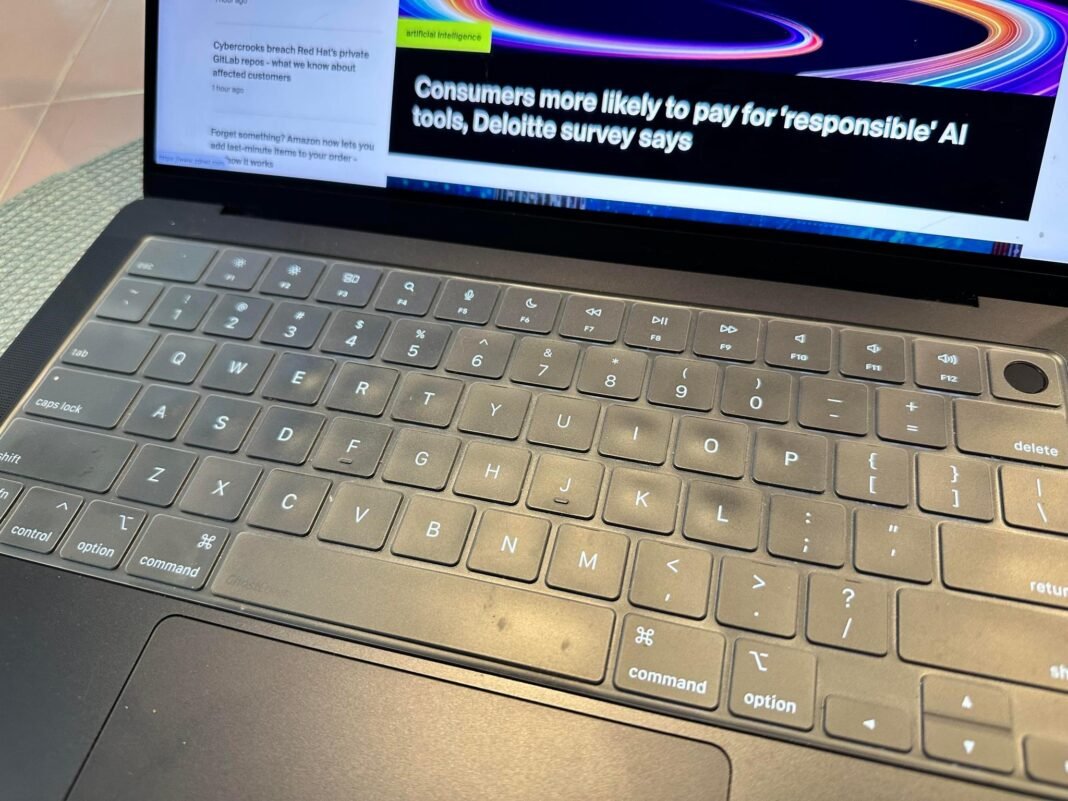
SEO Title: AI-Powered Productivity: How to Work Smarter with AI
Meta Description: Discover how AI-powered productivity can transform your daily workflow, save hours of time, and help you work smarter. Read our ultimate guide today!
AI-Powered Productivity: How to Work Smarter, Not Harder, with Artificial Intelligence
Have you ever reached the end of a long workday feeling completely exhausted, yet wondering what you actually accomplished? In today’s fast-paced digital landscape, information overload, endless email threads, and repetitive administrative tasks often steal the hours we should be spending on deep, creative, and strategic work. Enter AI-powered productivity—a transformative approach to modern work that leverages artificial intelligence to automate mundane chores, streamline workflows, and supercharge human capability.
Artificial intelligence is no longer restricted to science fiction or complex research laboratories. Today, intelligent algorithms, machine learning models, and automation tools are seamlessly integrated into the apps we use every day. Whether you are a student managing complex research, a freelancer juggling multiple clients, or a small business owner scaling operations, understanding how to harness these digital assistants can fundamentally change how you work.
In this comprehensive guide, we will explore what AI-powered productivity truly means, look at practical ways to implement it in your daily routine, weigh its benefits against its limitations, and provide a roadmap to working smarter—not harder.
What Is AI-Powered Productivity?
AI-powered productivity refers to the integration of artificial intelligence tools, machine learning algorithms, and intelligent automation into everyday personal and professional tasks. Unlike traditional software that simply follows rigid, pre-programmed rules, AI systems can process natural language, recognize patterns, analyze data, generate content, and make autonomous recommendations.
At its core, artificial intelligence does not replace human ingenuity; instead, it acts as a force multiplier. By taking over cognitive and administrative heavy lifting—such as transcribing meetings, sorting through chaotic inboxes, summarizing long PDF documents, or generating initial drafts—AI frees up valuable mental bandwidth for high-value tasks that require emotional intelligence, critical thinking, and creative problem-solving.
Key Areas Where AI Transforms Daily Workflows
To truly appreciate how artificial intelligence impacts productivity, let us examine the specific domains where these tools deliver the most significant time savings and efficiency gains.
1. Content Creation and Copywriting
Writing from a blank page is notoriously challenging. AI writing assistants can help overcome writer’s block by generating outlines, drafting blog posts, composing professional emails, and rewriting complex paragraphs for different target audiences. While human oversight is always necessary to ensure accuracy and tone, these tools dramatically accelerate the drafting phase of content creation.
2. Data Analysis and Visualization
For professionals working with spreadsheets and large datasets, interpreting numbers can take hours. Modern data analysis tools powered by AI can automatically clean messy data, generate pivot tables, spot anomalies, and create intuitive charts based on simple text prompts, turning hours of tedious spreadsheet work into a two-minute task.
3. Task Management and Scheduling
Coordinating meetings across multiple time zones or prioritizing a sprawling to-do list can derail focus. Intelligent calendar assistants can automatically find optimal meeting times, while smart task managers analyze your productivity patterns to suggest when you should tackle your most demanding projects.
Practical Examples and Real-World Applications
How does AI-powered productivity look in practice? Different users leverage these technologies in unique ways tailored to their specific roles and professional environments.
- For Students: Students use AI tools to generate flashcards from lecture notes, summarize lengthy academic papers, and practice foreign language conversations in real time, accelerating the learning curve.
- For Freelancers: Independent contractors utilize intelligent invoicing software, automated client onboarding forms, and AI-assisted proposal writing to reduce administrative overhead and secure more billable hours.
- For Small Businesses: E-commerce stores and local businesses implement AI chatbots for 24/7 customer service, automated social media scheduling, and targeted email marketing campaigns that nurture leads without expanding headcount.
Step-by-Step Guide: Building Your First AI Productivity Workflow
Integrating artificial intelligence into your daily routine does not require an advanced degree in computer science. By following a structured approach, you can systematically upgrade your productivity stack.
- Audit Your Daily Tasks: Spend three days tracking your time. Identify repetitive, rule-based, or time-consuming tasks that drain your energy.
- Select the Right Tools: Research AI tools specifically designed to solve your bottlenecks. If writing is your hurdle, look into text generation tools. If organization is your weakness, explore AI-driven task managers.
- Start Small and Iterate: Do not try to automate your entire life overnight. Choose one single process—such as drafting weekly status reports or sorting your email inbox—and master it using AI.
- Establish Quality Control: Always review, edit, and fact-check AI-generated outputs. Never publish or send unedited AI content directly to clients or stakeholders.
- Refine and Expand: Once your first AI workflow is running smoothly, identify the next area of friction in your routine and repeat the process.
The Advantages and Limitations of AI Productivity Tools
Like any technological shift, adopting AI-powered productivity comes with clear advantages as well as important challenges and limitations that every user must keep in mind.
| Advantages | Limitations & Challenges |
|---|---|
|
|
Responsible usage is paramount. Always ensure that you do not input confidential client information, proprietary source code, or private personal data into public artificial intelligence models unless you are using enterprise-grade, privacy-compliant platforms.
Frequently Asked Questions (FAQ)
1. Will AI-powered productivity tools replace human workers?
No. Artificial intelligence is designed to automate tasks, not entire jobs. Professionals who learn how to use AI tools effectively will replace professionals who do not, making human adaptability and strategic thinking more valuable than ever.
2. Do I need to know how to code to use AI productivity tools?
Not at all. The vast majority of modern AI productivity applications feature user-friendly graphical interfaces and rely on natural language processing, meaning you simply type instructions in plain English.
3. Are my documents and data safe when using AI tools?
It depends on the platform. Free public versions of AI tools may use user prompts to train future models. If you are handling sensitive data, look for paid enterprise tiers or local open-source models that guarantee strict data privacy and zero data retention policies.
4. How much do AI productivity tools typically cost?
Pricing varies widely. Many platforms offer robust free tiers suitable for individual users, while premium features, advanced integrations, and team collaborations generally range from $10 to $30 per user per month.
5. How can I avoid relying too much on AI for my daily tasks?
To maintain your cognitive sharpness, use AI strictly as a sounding board or assistant rather than a final decision-maker. Regularly practice writing, problem-solving, and brainstorming without digital assistance to keep your foundational skills sharp.
Conclusion
Embracing AI-powered productivity is no longer just an experimental luxury; it is becoming a core competency for modern professionals, entrepreneurs, and students alike. By delegating tedious administrative burdens, data sorting, and rough drafting to intelligent machines, you unlock unprecedented amounts of time and mental energy to focus on what humans do best: strategic vision, creative storytelling, and empathetic connection.
Start small, maintain a healthy commitment to quality control and data privacy, and watch how working smarter with artificial intelligence elevates your professional output. To continue your learning journey, explore our related articles on advanced prompt engineering techniques, automating business workflows without code, and navigating AI ethics in the workplace.
Suggested Internal Links
- Advanced Prompt Engineering Techniques for Everyday Work
- How to Automate Small Business Workflows Without Coding
- Navigating AI Ethics, Privacy, and Security in Professional Settings
Featured Image Description and ALT Text