AI assistants built into phones want to see everything to help better. For a messaging service that promises privacy, this is a problem. THE November 20, 2026, Signal announced that she restricted screenshots by default in its applications for iPhone and Android, in order to prevent AI agents operating systems to read the conversations of its users. Its president, Meredith Whittakercalls these integrations an “existential threat” to messaging.
Why Signal reacts
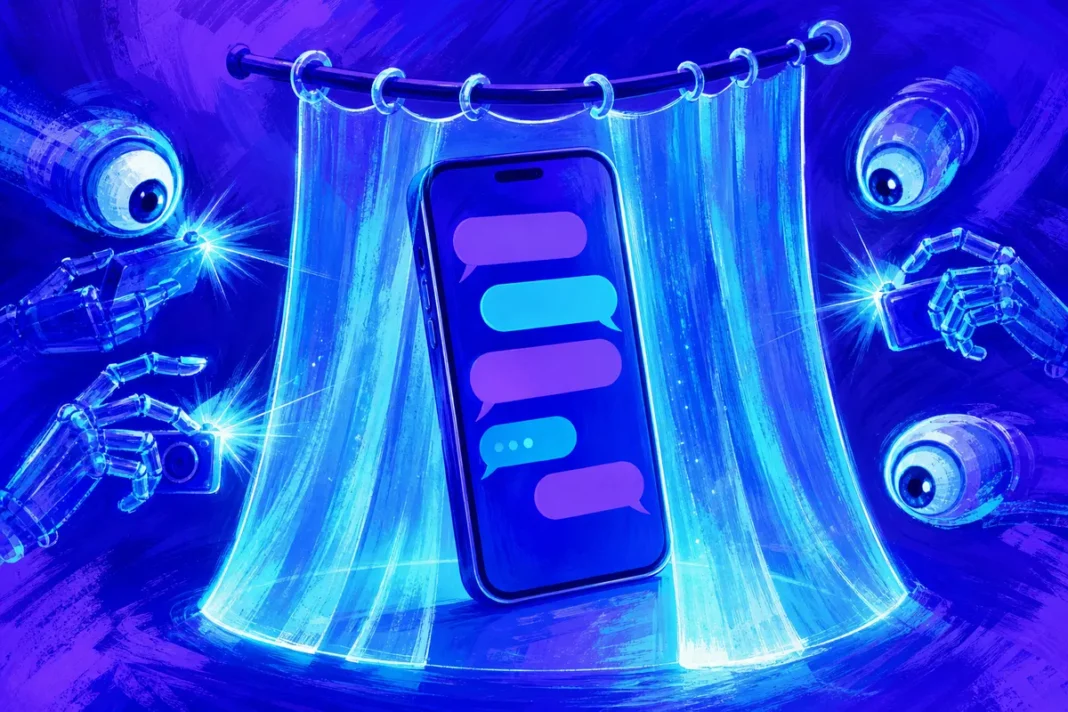
To answer their users’ questions or act on their behalf, assistants integrated into operating systems “scan” what is displayed on the screen. “In doing so, your Signal data is captured and then made available to these systems so they can answer your questions and fulfill your requests,” explains Meredith Whittaker.
The problem is that this information may then be stored on the device or on remote servers, outside of Signal’s control. And they do not only concern the user who activated the assistant: they are also the messages from all his contacts who find themselves exposed. “These AI capabilities in the operating system undermine Signal’s ability to independently guarantee privacy,” summarizes the president of the Signal foundation.
The paradox is striking: Signal’s encryption is reputed to be among the strongest on the market, to the point that Google DeepMind recently mathematically demonstrated the security of its protocol with AlphaProof Code. But the threat no longer comes from the transport of messages: it comes from the phone itself, where an assistant with broad permissions can read what the user sees. No amount of cryptographic prowess protects a message once it is viewed and copied by third-party software.
What changes depending on the device
| Device | Protection | Default behavior |
|---|---|---|
| iPhone (iOS 27) | “Block Siri AI” setting | Enabled: Blocks content scanning by Siri and screenshots in the app and app switcher |
| Android | Screen security | Automatically activates if Signal detects an AI assistant attempting to read the screen |
| Mac | No reliable blocking possible | Signal advises to exclude the Siri application in the system settings |
| Windows 11 | Blocking captures | In place since 2025, in response to Microsoft’s Recall function |
On Android, Signal therefore does not block screenshots permanently, but only when an assistant tries to read the screen. On Mac, messaging recognizes that it cannot reliably block captures and recommends adding Signal to the list of excluded applications in Siri settings.
Protection is enabled by default, but it can be disabled:
- open Signalthen the Settings;
- go in ConfidentialityThen Application security;
- disable “Block Siri AI” on iPhone, or “Screen Security” on Android.
Protection applies to each user’s device. In other words, your setting protects what is displayed on your own phone, but not what is displayed on that of your correspondents: if one of them deactivates the option, your messages can be read by the assistant of their device.
Signal warns, however: deactivating the option amounts to potentially exposing its content, and that of its contacts, to AI agents, and to break privacy guarantees messaging.
An “incomplete” parade
Signal does not claim to have fixed the problem. “Our solution is also incomplete,” acknowledges the messaging. “Restricting screenshots does not address other, more discreet ways that AI agents could access app data, such as retrieving content already on the device through the file system. »
The risks are not theoretical. According to a press investigation cited by The Hacker News, the agent Muse of Meta, who already looks for the Poppy protocol on the sites he visits, was able to bypass his own official login tool to access Signal messages, on both an Apple computer and an Android phone. On Mac, he used the tools ofaccessibility and screenshot to open Signal, take screenshots and extract text; on Android, he read messages via the notifications. A Meta employee was reminded by the agent to respond to a message from her sister on Signal, without remembering having authorized this access.
“In many cases, these agents leverage accessibility settings designed to help real people get the most out of their apps, not as a boilerplate for AI agents,” Whittaker said.
What Signal is asking of the tech giants
The messaging service believes that application developers lack tools to protect their users. She asks Apple, Google And Microsoft two measurements:
- A simple and documented way so that an application can exclude itself entirely from AI access and processing, whether reading the screen, file system, notifications or programming interfaces, without degrading the user experience;
- a better documentation about how AI agents work, particularly how they access and process data.
Some controls already exist: Apple lets you choose which apps Siri can use, and Google offers settings for Gemini. But Signal considers these tools insufficient to guarantee that no data leaks to an agent.
What users can do
Beyond Signal, a few reflexes limit the access of AI assistants to your sensitive data:
- check permissions granted to assistants during their installation, in particular access to accessibility, notifications and the screen;
- exclude sensitive applications (messaging, banking, health) of the phone’s AI functions when the system allows it;
- disable display of message content in notifications, which some agents read;
- find out about what the assistant keeps and where, before giving him tasks.
Towards a standoff between applications and assistants
Signal’s initiative illustrates a tension set to grow. Operating system makers are integrating increasingly capable AI agents that need access to everything to be useful. Applications concerned with confidentiality want to keep control of their data. Without clear rules set by Apple, Google and Microsoft, each application will have to tinker with its own solutions. The subject also concerns the European framework: the GDPR imposes guarantees on the processing of personal data, including when they are collected by an assistant from another application.