GIFs, these short looping animations that punctuate online conversations, are making their debut in ChatGPT. THE November 4, 2026OpenAI launched ChatGPT Images 2.6an update to its image generator which can now animate a creation from a simple sentence or a photo. The tool can also store reference images, of yourself, your cat or a character, to reuse them. Fun new features, which also invite some precautions.
GIFs from a sentence or a photo
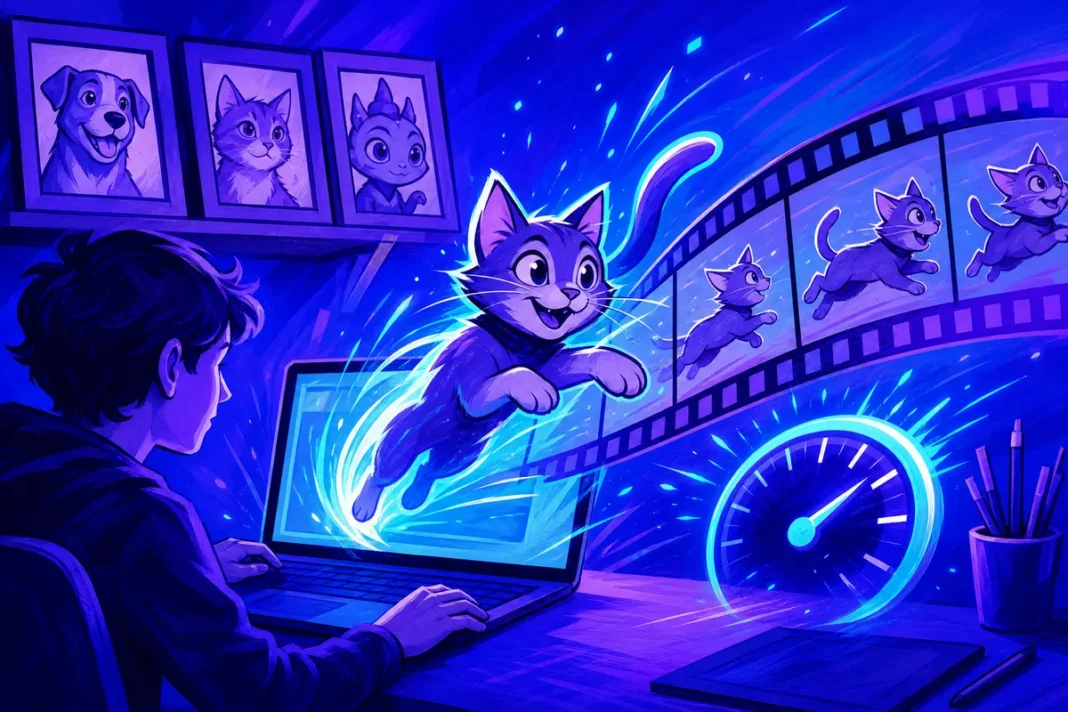
According to OpenAI, it is now enough to describe an animation, or provide an image, to obtain a Animated GIF. The user can then adjust the speed animation and retouch each image separately, before sharing the result. The specialist site The Decoder cites the example of a simple request, “Can you make a GIF of a dancing cat?” », which produces several slightly different variants of the same character, linked together like in a flipbook.
OpenAI has not specified the maximum duration of the animations, the number of images per GIF or the export formats offered. These limits should become apparent in use. The interest of the function lies above all in its simplicity: where until now it was necessary to have animation software or several successive tools, a simple conversation is now enough to obtain a short animation, modify it and share it.
Reusable reference images
Second novelty: the reference images. The user can keep photos of themselves, their animals or characters, “ready to be reused in new creations”, without having to download them each time, according to OpenAI. Useful for creating a series of illustrations with the same character or using an avatar in several situations. It is also a response to a classic difficulty with image generators: keeping a character recognizable from one creation to another, without it changing its face or silhouette with each request.
The company has not publicly detailed how many reference images are possible, what rules apply to photos of real people, or how to remove them. Useful information to check in the settings before uploading personal photos.
For whom and where
According to OpenAI, Images 2.6 is available in ChatGPT and Codexon the web, desktop applications and mobile applications. The specialized press mentions a deployment to all users, but the company has not published a precise table of functions by subscription formula: it is possible that certain options or certain volumes are reserved for paying subscribers.
OpenAI also claims massive use of its image tools: more than four billion images would be generated each week in ChatGPT and its developer interface, a billion more than in September 2026.
Two new models for developers
Developers have two new models accessible through the OpenAI programming interface:
| Model | Announced use |
|---|---|
| GPT-Image-2.6 Flare | Fast generation for common uses, an image in just six seconds |
| GPT-Image-2.6 Sunburst | Superior quality and better consistency between successive edits |
OpenAI announces image generation up to 50% faster. The company also mentions the possibility of annotating an image to guide retouching and exporting certain results in SVG vector format, useful for logos and pictograms. Prices refer to the official API table. However, a developer reported on the OpenAI forum higher billing than with the previous version for certain quality settings, an observation which remains to be confirmed.
Some tips to obtain a good result:
- Describe the movement as much as the subject: “a cat jumping to catch a butterfly” gives a more readable animation than “a cat”.
- Start from an image existing when you want to animate a personal drawing or logo, checking that you own the rights.
- Adjust speed after the fact rather than multiplying new requests.
- Edit frame by frame possible defects, such as a poorly drawn hand or an object that disappears.
- Keep the animation short: a light GIF is more easily shared, including by messaging on mobile.
Ideas for everyday use
Beyond humorous reactions, AI-generated GIFs can be used in many situations:
- animate a greeting card or an invitation to share by message;
- illustrate a presentation with a short animation that shows a movement or step;
- explain a gesture in a tutorial, such as folding a sheet or operating a simple mechanism;
- decline a mascot for an association, a club or a small business, thanks to reference images;
- create educational materialsprovided that you verify the accuracy of what is shown.
The limits of the format and the tool
The GIF format has its constraints: it does not contain no sound and can only display a limited number of colors per image, which is better suited for simple drawings and animations than detailed photographic scenes. For a real video, other tools are more suitable.
Like any AI-generated image, animations can also contain defects: a detail that changes from one image to another, an object that appears or disappears, or illegible text. The possibility of retouching each image allows part of it to be corrected, but careful control remains necessary before any distribution, especially in a professional setting.
Precautions to take
The possibility of keeping photos of yourself and animating them calls for caution.
- Do not use the image of others without their consent. In France, everyone has a right to their image, and broadcasting a montage made with the image or voice of a person without their consent can be punished when it is not clear that it is a montage.
- Think before storing personal photosespecially those of children, and check in the settings how to delete them.
- Report that an animation is AI-generated when it represents a real person, to avoid any confusion with an authentic scene, a requirement reinforced by the new standards against deepfakes.
A battle of the moving image
With GIFs, OpenAI is settling into very everyday use, between still images and videos. The update also strengthens the place of image generation in ChatGPT, which becomes a creation tool in its own right compared to specialized applications. It remains to be seen how OpenAI will regulate the use of reference images of real people, a point on which public details are still lacking.