- 5 French videos selected on Cursor 2 and vibe coding in 2026.
- From free training from zero to the $1 tutorial promptWritten instructions or questions sent to an AI model to elicit a response. = an entire site$.
- Comparison with Windsurf and with Claude Code.
- Ideal for non-dev profiles who want to ship projects in two evenings.
Cursor 2 remains the most used AI IDE in the world in 2026, despite the rise of Claude Code. Non-developer French speakers (PM, designers, marketers) find a gentler entry point to vibe coding: visual interface, autocompletion, and a Composer mode which transforms a prompt into a multi-file patch.
This selection targets profiles that don’t want to read the docs five videos that take you from installation to a complete delivered site.
The FR creators who really cover Cursor
S
Sylvester
Lovable, Cursor & Supabase tutorials
Focus full-stack AICursor+backend
One of the few to combine AI front-end and Supabase backend without compromising on security. Precise and reproducible tutorials.
L
The AI Lab, Meydeey
meydeey.com
Focus vibe codingCursor + Claude Code
Compare Cursor and Claude Code on real projects. His teaching remains accessible to beginners while maintaining a professional level.
T
Quick tutorial FR
Short & pragmatic format
Focus absolute beginnersNo tech prerequisites
For those who want a tangible result in less than 30 minutes. Ideal for testing the water before committing.
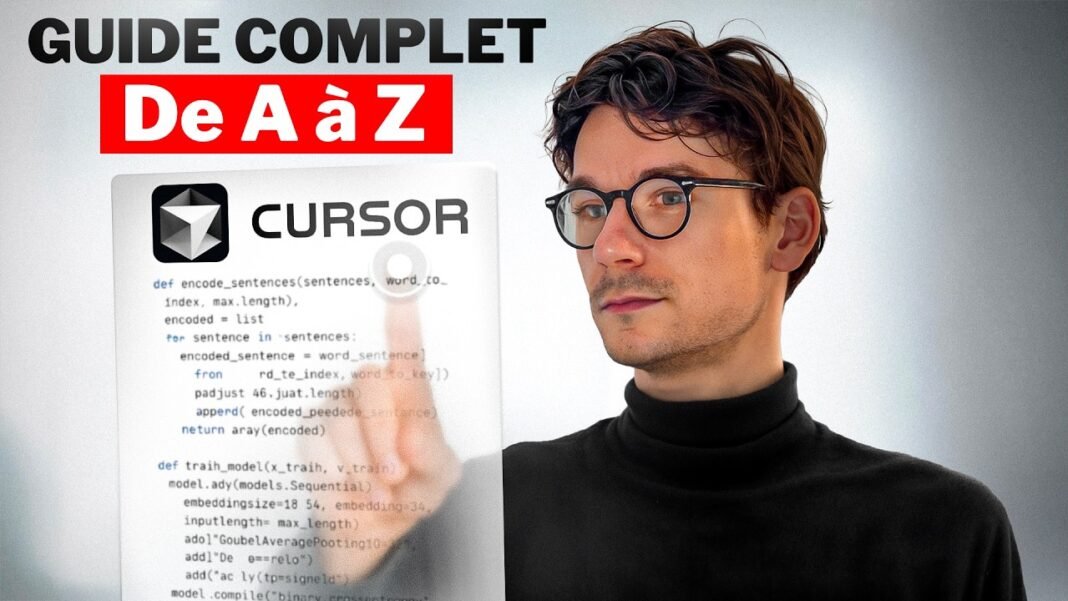
1. The $complete course$ training to start from scratch
FULL COURSE from A to Z on Cursor AI (Free Training)
Format linear courseLevel absolute beginnerEN
Free Cursor AI Full Course
This is the first video to watch if you’ve never opened Cursor. Installation, configuration of models (Claude Sonnet 4.7 / GPT-5 / Gemini 3), management of contextThe context window: the maximum number of tokens that a model can process in a single request (eg: 200k, 1M). with @filesfirst Next.js project. School format but mastered, the author does not ignore the keyboard shortcuts which change everything (Cmd+K to edit, Cmd+L for the cat).
2. The shock tutorial: a complete site in a single prompt
Create a complete website in 1 prompt with Cursor AI
Format live demoLevel all levelsEN
Complete site in one prompt with Cursor
The marketing angle is seductive but the demo keeps its promises: the video details how to word the prompt (briefing, tone, sections, UI constraints) so that a single call to Cursor produces a suitable site. You leave with a reusable template and the true understanding that the secret is never the tool but the brief.
Trending this week the video $Coder 100% with AI without technical experience$ crossed an audience threshold this week on the FR side. We take it at number 3.
3. Coding without technical experience: we take charge
Code 100% with AI Without Technical Experience, TUTORIAL
Format step by stepTarget non-technical profilesEN
Code without technical experience with Cursor
The target: product owners, marketers, freelancers. The content goes far without drowning: installation of Node.js, naming conventions, first manipulations of Git, and even a part on Replit in addition to Cursor for those who want to avoid the terminal. Ideal video to share with a non-tech colleague who wants to prototype.
4. Cursor vs Windsurf: the honest comparison
How to code complete projects with AI: Cursor vs Windsurf
Format comparativeTools Cursor + WindsurfEN
Cursor vs Windsurf French comparison
The only serious FR comparison on Cursor vs Windsurf published in 2026. The creator tests the two tools on the same brief (generate a Next.js + Supabase app) and concludes, without hype, that Cursor keeps the advantage on the quality of the UI and Windsurf on the latencyThe time elapsed between sending a request and receiving the full response from a model. agent. Honest verdict, no disguised placement.
5. The $validate the idea before writing$ method
My method for creating apps with Cursor (Beginner)
Format processLayer Cursor + OpenAI RealtimeEN
Method to create an app with Cursor
The video is the opposite of the tutorial $send your prompt and watch$. The process: validate the idea and the PRD with Gemini 3, Before to open Cursor. Then only switch to the IDE for the writing phase. Unsexy method but which avoids 80% of the rewrites that we see lying around in the threads $help my Cursor was hallucinating$.
Cursor 2 vs Claude Code 2, head to head time
Our parallel coding live demo decides in 15 minutes on the two dominant AI IDEs in 2026.
Our editorial verdict
The FR offer on Cursor is abundant but uneven. Our viewing order: course A to Z → method $validate the idea$ → demo $a prompt = a site$ → comparison Cursor vs Windsurf. For non-devs, the $Coder without technical experience$ video remains the best entry point.